


NOCTURNE GLOW SMART PIXEL CURTAIN
NOCTURNE GLOW SMART PIXEL CURTAIN
Couldn't load pickup availability
-
Ordered
- - -
Order Ready
- - -
Delivered

NOCTURNE GLOW SMART PIXEL CURTAIN


Create Your Own Merry Nightmare
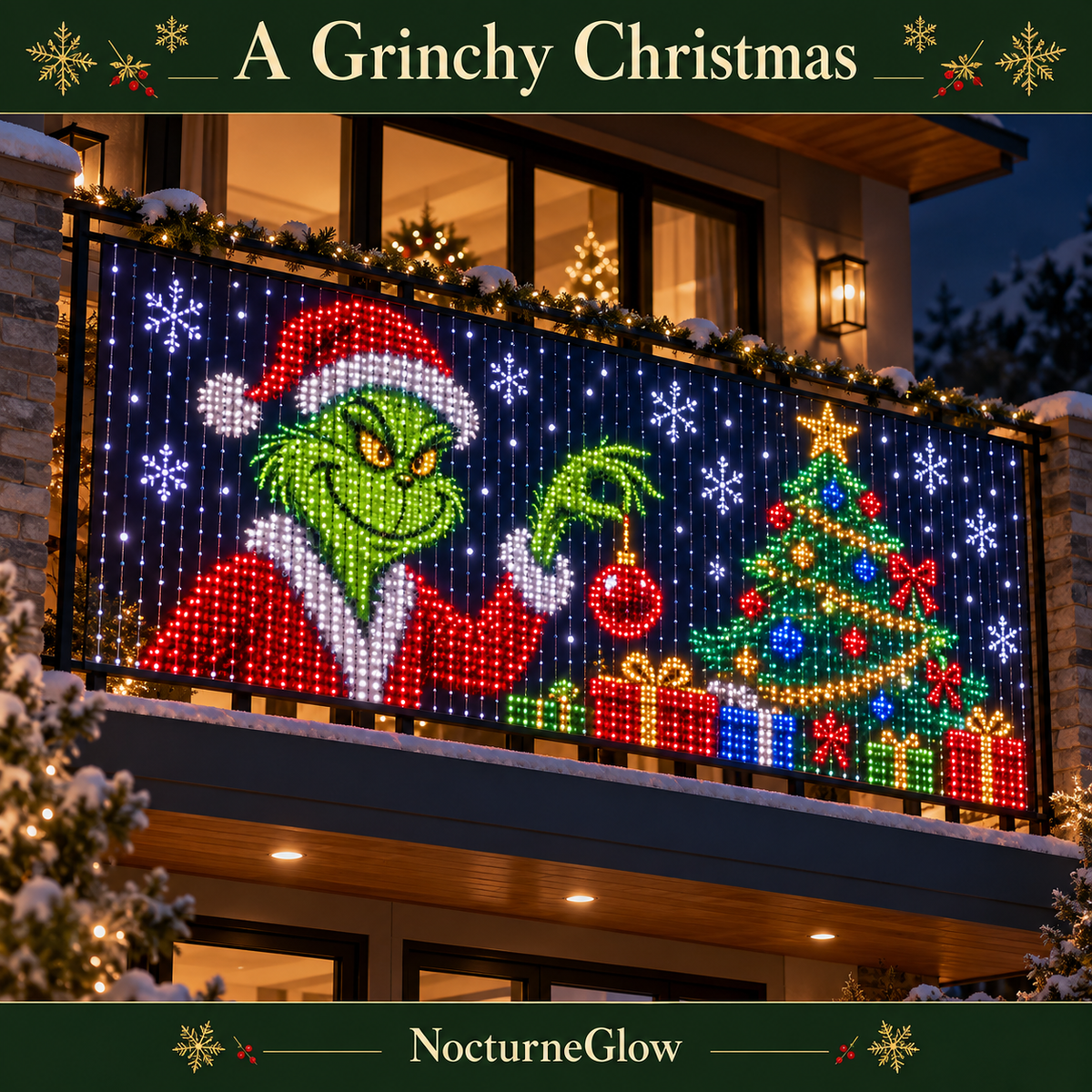
Bring your imagination to light with DIY designs. Create your own Nightmare Before Christmas-inspired pixel art in the app and give your holiday display a personal touch. Your lights, your Christmas story.
FAQS
How do I control the lights?
How do I control the lights?
Use the remote or app to choose designs, change colors, and customize your LED display from your phone.
Do I need to design everything myself?
Do I need to design everything myself?
No! Choose a ready-made Christmas preset for instant holiday cheer, or get creative with your own designs. For Grinch or The Nightmare Before Christmas displays, you’ll need to create your own design or upload a GIF using the app’s DIY feature.
Can I change the display after Christmas?
Can I change the display after Christmas?
Absolutely! Change the colors and create new designs for other holidays, celebrations, or everyday decoration.
Can I use the lights outdoors in winter weather?
Can I use the lights outdoors in winter weather?
Check the product’s weather rating before installing outdoors. Keep the power adapter and connections protected from rain and snow, and follow the included installation instructions.
Are the Nightmare Before Christmas and Grinch designs included as presets?
Are the Nightmare Before Christmas and Grinch designs included as presets?
The Nightmare Before Christmas and Grinch-inspired designs are DIY creations made in the app. You can also upload GIFs to create animated displays, or choose ready-made Christmas presets featuring Santa, snowflakes, and trees.
Our promotional videos exaggerate the visual effects. Actual displays won’t look exactly like the videos and will appear as pixel-style LED artwork with less detail.
Christmas Magic, Ready to Glow
Choose from preset Christmas designs featuring Santa, snowflakes, Christmas trees, and more. Select your favorite in the app and transform your LED curtain into a colorful holiday display—no designing needed.
Testimonials
-
Christmas Magic!
These lights make our living room feel so festive. We love choosing a different Christmas scene each evening!

-
A Merry Nightmare
The Jack Skellington scenes are my favorite! Such a fun mix of spooky charm and Christmas cheer.

-
Our Family Loves Them
The kids get excited every time we turn them on. A lovely finishing touch to our Christmas decorations!


